Committee Inventory Management System
Barcode-driven stock control for shared committee equipment, built on Google Apps Script and Google Sheets at zero monthly cost.
Committee Inventory Management System
Equipment was counted by hand against a paper list at the end of each night. Items went missing without anyone knowing who had borrowed them, and disputes were unresolvable because there was no record.
- Monthly running cost
- ฿0
- Google Apps Script
- Google Sheets
- Barcode generation
- Gmail
How it works
Every item, box, and shelf has a barcode. The system generates the labels, prints them as a sheet, and reads them back through a scanner page that runs in a phone browser — no app to install, which matters when the people scanning change every semester.
Three registries sit behind it: Shelf Registry, Box Registry, and a
Transaction Log that records every movement. Borrowing is a request, not a
handshake: a member picks items, a pickup date and a time slot, and a return
date, and gets back a request ID like BR-20260214-003. Confirmation, approval,
and overdue notices all go out by email automatically.
The point was never the barcodes. It was that "who has the projector" stopped being a question anyone had to remember the answer to.
A schema decision worth explaining
When I added box locations, the obvious place for the column was next to the quantity fields, where it reads naturally.
I put it after Status instead, at the end. The Available column is
formula-based, and several other parts of the system address columns by index —
inserting in the middle would have shifted Available and Status and silently
broken every one of them. The natural-reading position would have cost an
afternoon of debugging something that looked unrelated.
That trade — a slightly worse-looking sheet for a schema that does not break its own dependents — is the kind of judgement I did not have when I started this project and did by reflex by the end of it.
What it replaced
An end-of-night count against a printed list, done by whoever was still around. Items went missing without anyone knowing who had taken them, and there was no record to settle a disagreement with — so disagreements were settled by whoever remembered more confidently.
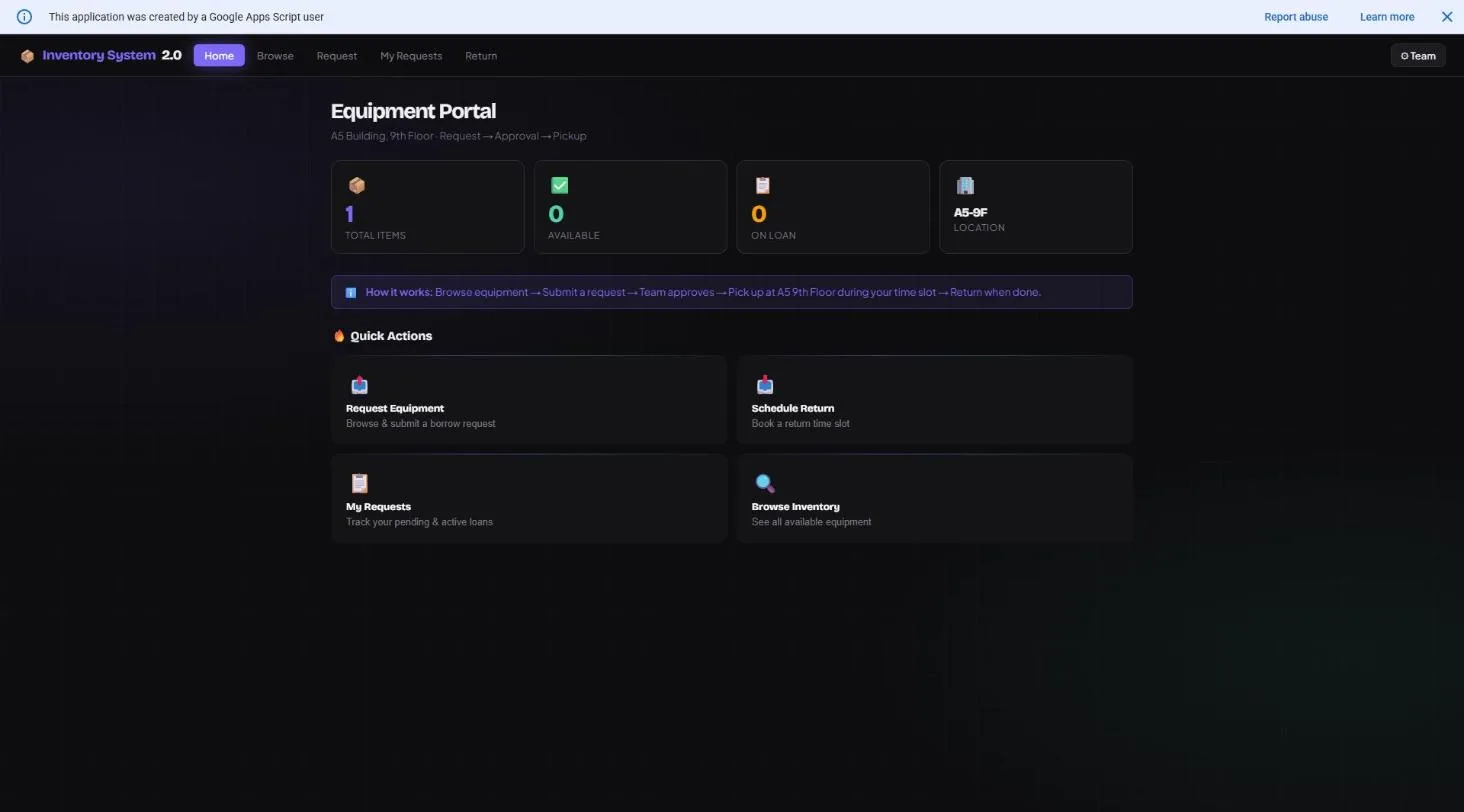
Equipment Portal
The self-serve side: browse what is on hand, submit a borrow request, and see it move through approval to pickup — replacing a physical sign-out sheet nobody could search and nobody trusted was current by the third week of the semester. A request carries a pickup location and time slot rather than a vague "I'll grab it later," and the same portal handles the return side with a scheduled return slot instead of an item quietly reappearing on a shelf with no record of who had it or for how long.
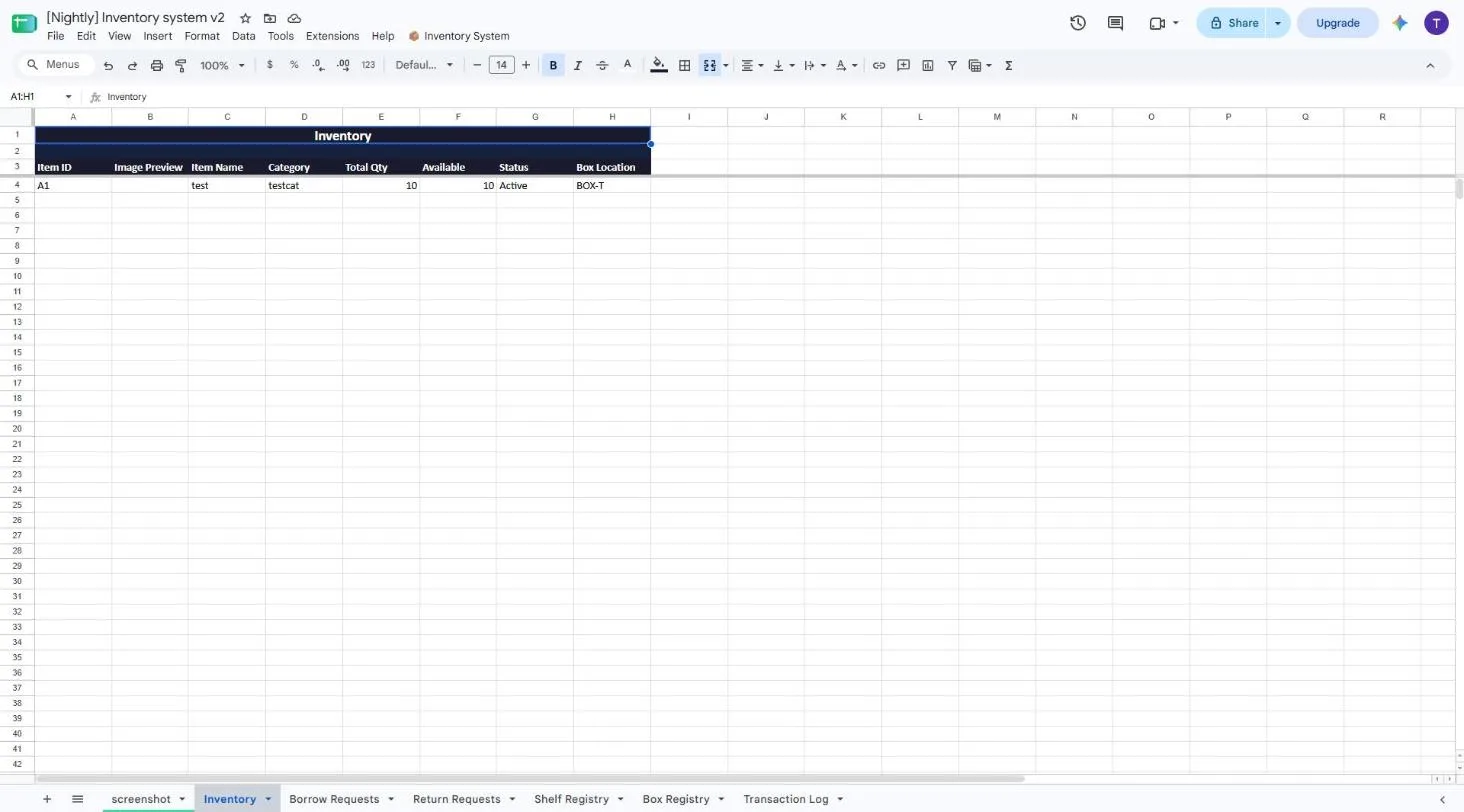
The Data (Google Sheet)
Every item is a row with a generated barcode, a quantity, and an availability count — scanned in and out at pickup and return instead of counted by hand at the end of every event night. Available quantity is a formula derived from total stock minus whatever is currently on loan, not a number anyone edits directly, so it cannot drift out of sync with reality the way a manually-updated cell eventually does. A transaction log records every scan — who, what, when, quantity before and after — turning "who had this last" from an unanswerable question into a lookup.
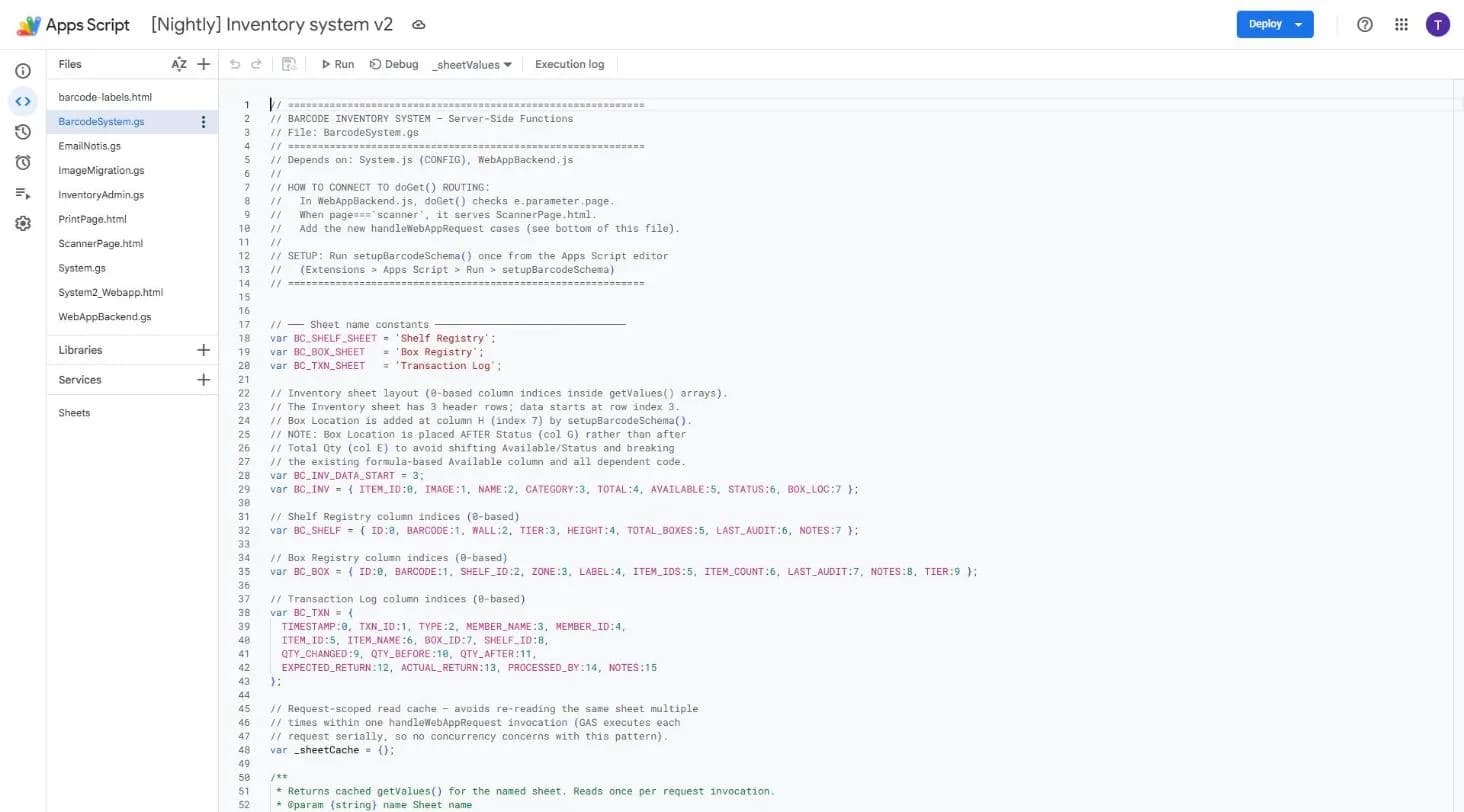
The Code (Apps Script)
The barcode engine: sheet layout constants that document exactly which column means what, a request-scoped read cache so a single web request never reads the same sheet range twice, and the routing that connects a scanned code back to an item, a box, or a shelf. Apps Script quota is metered per read, so a naive implementation that re-fetches on every helper call gets slow and expensive fast — the cache exists because that mistake was made once, measured, and fixed.